Fine-tuning
Your Own AI Models
with FPT AI Studio
Empowering AI development
from idea to achievement
Empowering AI development
from idea to achievement
No-code
Users simply provide the training and evaluation data

Multi-modal, multi-GPU, multi-node
Offers built-in support for diverse base models, large datasets with flexible GPU options, and multi-modal capabilities.

Secure and Private
Isolated containers, dedicated GPUs and encrypted dataset

Cost-Effective Pricing
Pay-as-you-go pricing with customizable billing options to match your workloads and budget.
SLA
99.90%

GPU Operation Model
Dedicated GPUs for each model training job.
Each training job is performed in its own training containers.

Package
From 1xGPU/training job


Domain Specialization
Training on industry-specific datasets (medical, legal, financial, etc.) equips the model with specialized expertise — ensuring reliable, compliant responses and minimizing the risk of misinformation.

Customer Support Automation
Fine-tuning on historical customer interactions enables the model to respond with the right tone, terminology, and workflow – reducing support workload, improving accuracy, and boosting customer satisfaction.

Instruction Following
Enhance the model’s ability to follow detailed instructions, formatting rules, and multi-step processes. In multi-agent settings, guide the model to route requests to the appropriate agent or module.

Compliance and Safety
Train the model to comply with organizational standards, regulatory policies, or internal safety guidelines—ensuring outputs remain aligned with your risk and governance requirements.
In Model Fine-tuning, you can create fine-tuned model either in the dashborad or with the API.
This is the general shape of the fine-tuning process:
1. Create pipeline
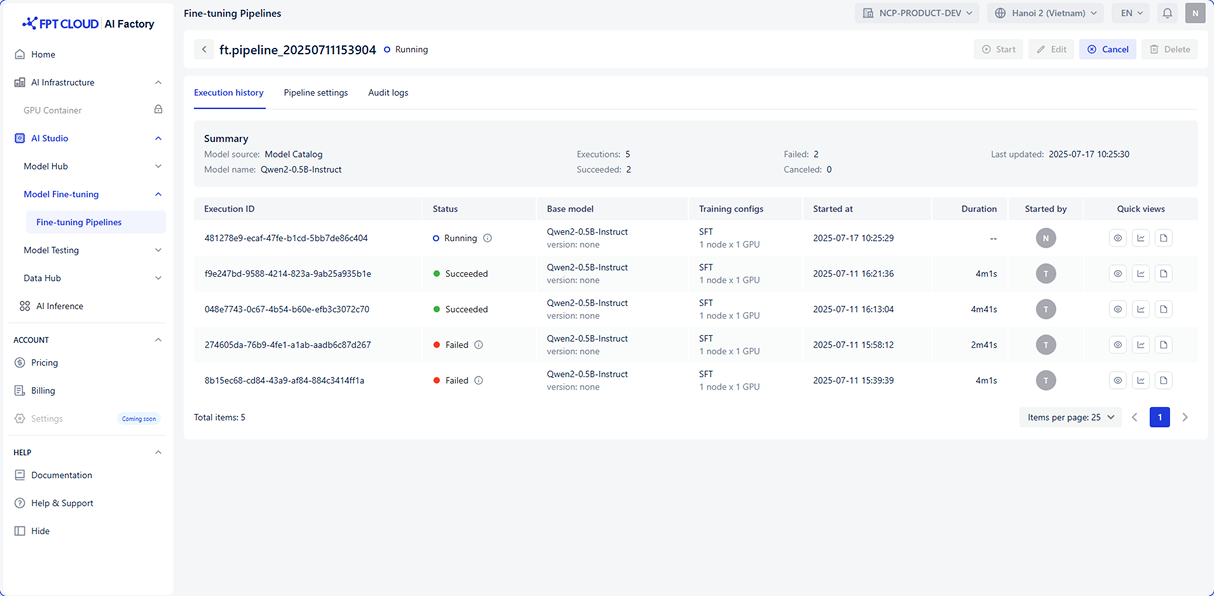
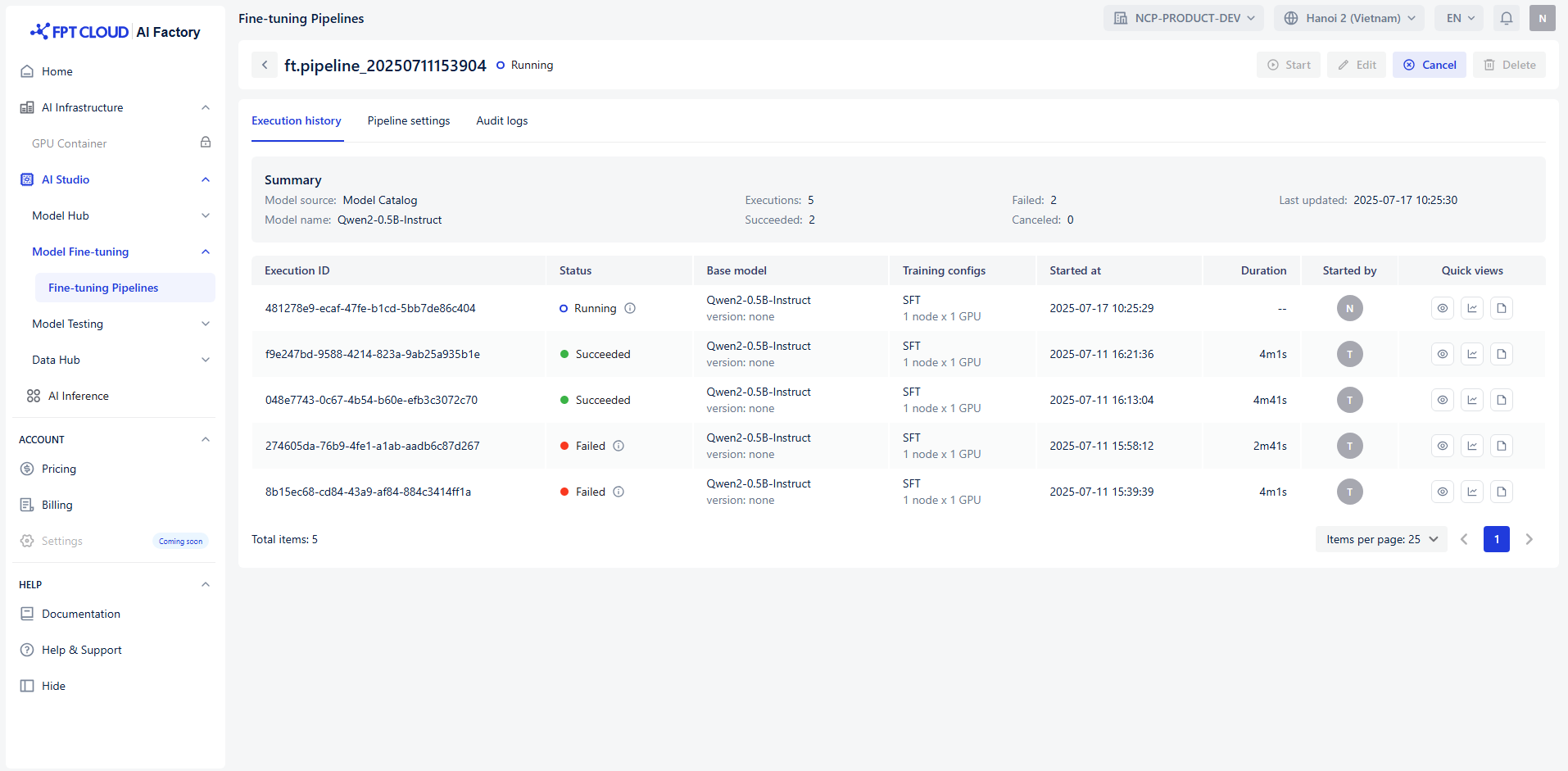
2. Trigger pipeline
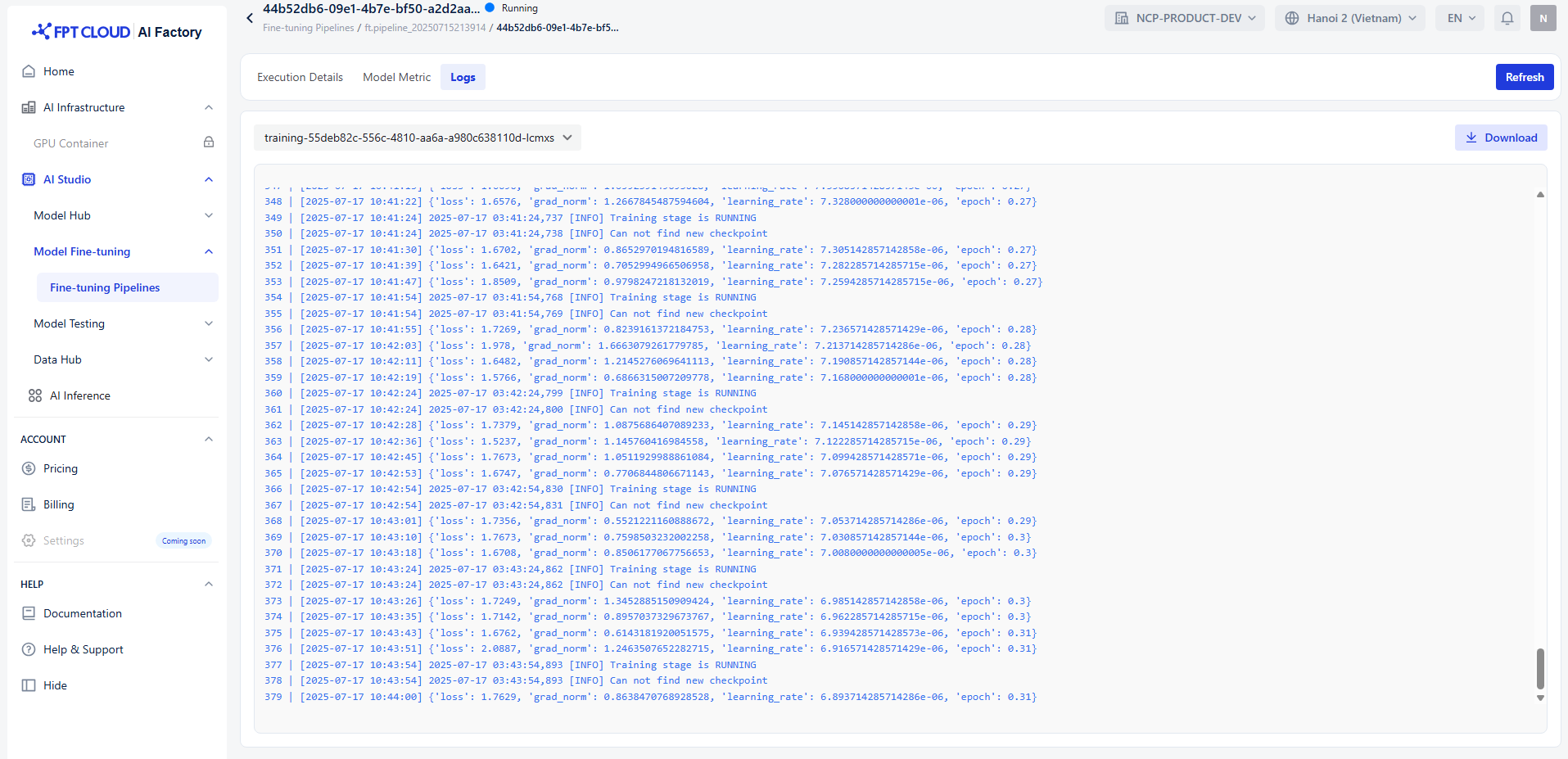
3. Monitor pipeline
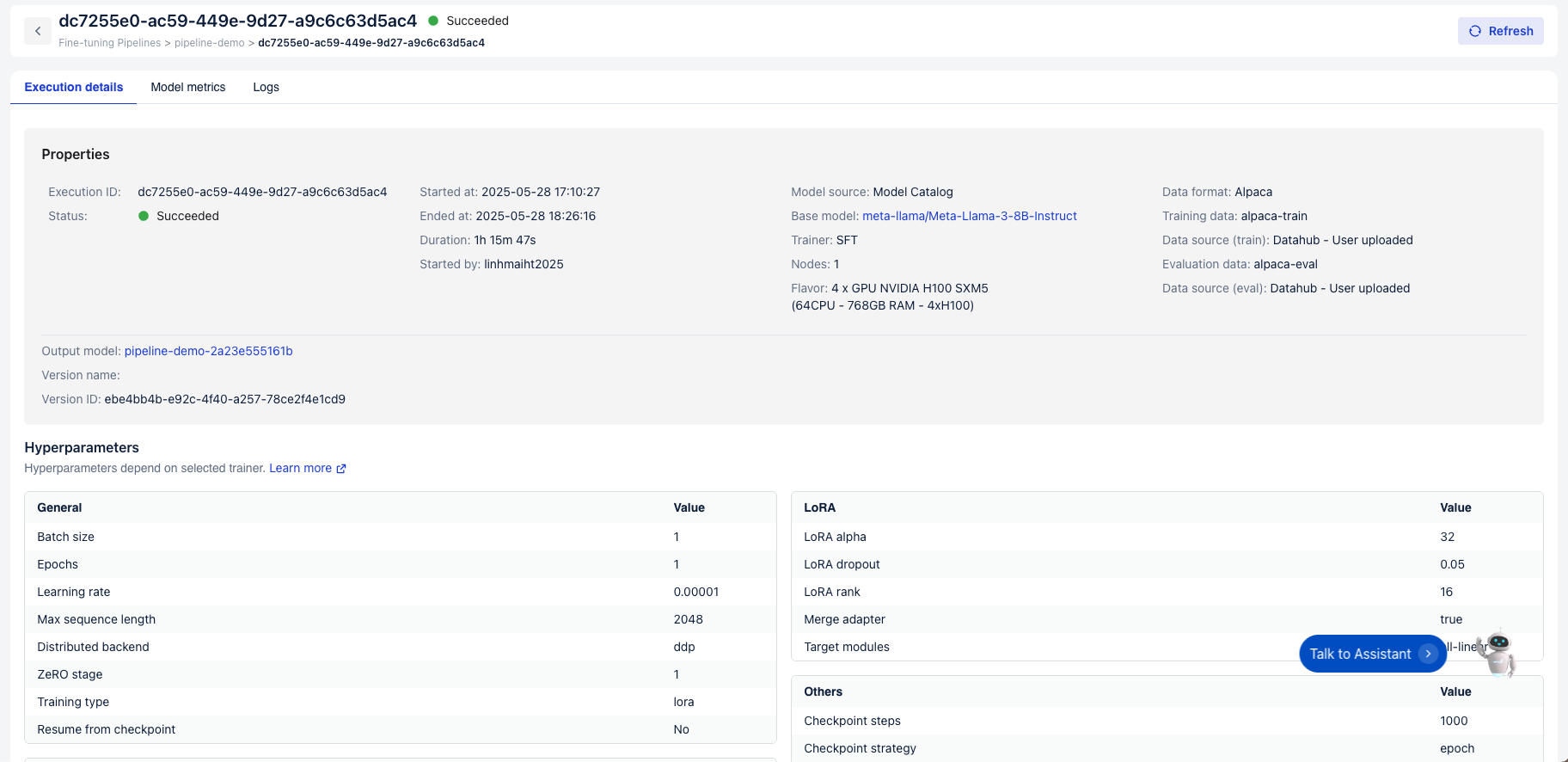
4. Retrieve fine-tuned model
Create a fine-tuning pipeline using one of the methods (supervised fine-tuning, direct perference optimization, pre-training) depending on your goals.
After created successfully, you’ll click Start to begin the fine-tuning process. This will automatically run each step, from preparing data to training model.
Fine-tuning process includes 4 stages: train-preparing, pre-training, training and post-training — all recorded in Logs. Once pipeline reachs training stage, you can monitor model and system using metrics to evaluate performance.
After the fine-tuning process is completed, you can retrieve your customized model from the system. This step allows you to either download the model artifacts or access them directly through the API for deployment, testing, or further training. By retrieving the fine-tuned model, you ensure that the optimized version is available for immediate integration into your applications.